What AI agents actually do in a manufacturing back office
No hype. No science fiction. Just a step-by-step look at the reality.
In this article
Most of the conversation around "AI agents" right now isn't very useful if you actually run a shop. It's either dystopian (fully automated factories, no humans) or vendor-speak (a chatbot wired into Excel). Neither helps you decide anything.
If you run a CNC shop, a contract manufacturer, or any job shop with real complexity, here's what an AI agent in your back office actually does. Walk-through, step by step.
Monday morning. Seven RFQs in the inbox.
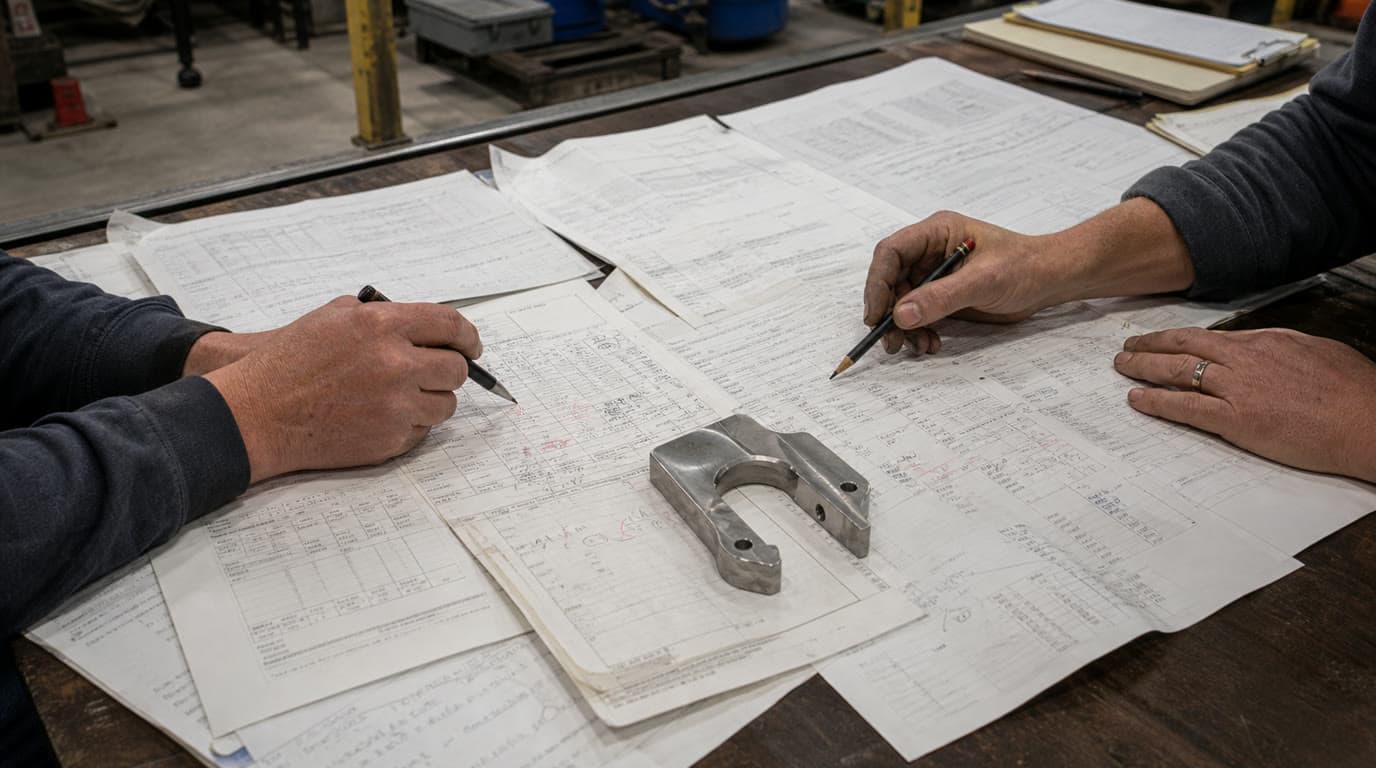
It's 7:15 a.m. Your estimator isn't in yet. Overnight, seven RFQ emails came in -- a mix of PDFs, spreadsheets, and a few that are just email bodies with some specs copy-pasted in. In a traditional shop, those sit until someone processes them, which might mean 9 a.m. or it might mean Thursday if things get busy.
In a shop running an AI agent, the processing has already started.
Read and categorize
The agent reads each email. Not skims -- reads. It identifies whether the sender is an existing customer (and if so, pulls up their history from your ERP or CRM), flags whether the request looks like a standard repeat job or something new, and notes the urgency signals. A subject line that says "URGENT - need quote by EOD" gets flagged differently than a routine weekly order.
This sounds simple. It isn't, when you're dealing with inconsistent subject lines, forwarded threads, and customers who attach their specs in ways that don't follow any pattern. The agent handles variation without complaining about it. That's most of the value at this step.
By the time your estimator walks in, the inbox is already sorted.
Extract the actual data
This is where it gets more interesting. Each RFQ has line items, quantities, tolerances, material specs, and sometimes drawings. Pulling that data out manually is the kind of work that takes 10-15 minutes per RFQ and is miserable to do at scale.
The agent extracts that information from PDFs, spreadsheets, and attached drawings -- even scanned documents, within reason. It populates a structured record: part number (if there is one), quantity, requested delivery date, material, finish, any special callouts.
For a straightforward machined part with a standard material spec and no unusual tolerances, this takes seconds.
Check stock and pricing against your ERP
For repeat items and standard stock, the agent queries your ERP directly. It checks on-hand inventory, standard pricing, any customer-specific pricing agreements you've set up, and current lead times. It's not guessing -- it's pulling live data.
A repeat customer ordering 500 units of a standard aluminum bracket they've ordered six times before? The agent can build that quote without a human touching it. It knows the price, it knows the lead time, it knows the delivery preference from the last order.
Across the shops we work with, this category (standard parts for known customers with clean specs) ends up being 50 to 70% of inbound. The agent handles the full quoting workflow on those without a human writing a single line. Overall cycle times drop 20 to 30%, and the estimator's day looks different by the second week.
Flag what needs a human
This is the step that doesn't get talked about enough, and it's the most important one.
A lesser system fails silently on edge cases. It either produces a bad quote (dangerous) or errors out (annoying). A well-built agent does neither. When it hits something it can't confidently handle, it gathers what context it can and routes the question to a human with the relevant information already assembled.
What triggers a flag:
- New material or process the shop hasn't priced before. The agent doesn't guess. It pulls everything it knows and routes it with a note.
- Unusual quantities -- an order that's 10x a customer's typical volume, or a one-off quantity on a normally high-volume part.
- Ambiguous specs. A tolerance callout that contradicts the drawing. A finish specification that's nonstandard. A customer who wrote "similar to last time" without clarifying what last time was.
- Pricing judgment calls. A customer who's been late on payment twice in the last year requesting net-60 terms. The agent doesn't have the relationship context to make that call.
- New customers. New customer relationships get a human review, period. The agent does the data work; the human does the vetting.
When your estimator sits down, they're not looking at a raw inbox. They're looking at a triage list: seven RFQs, five already drafted and ready for review, two flagged with specific questions and supporting context.
Human reviews, edits, approves
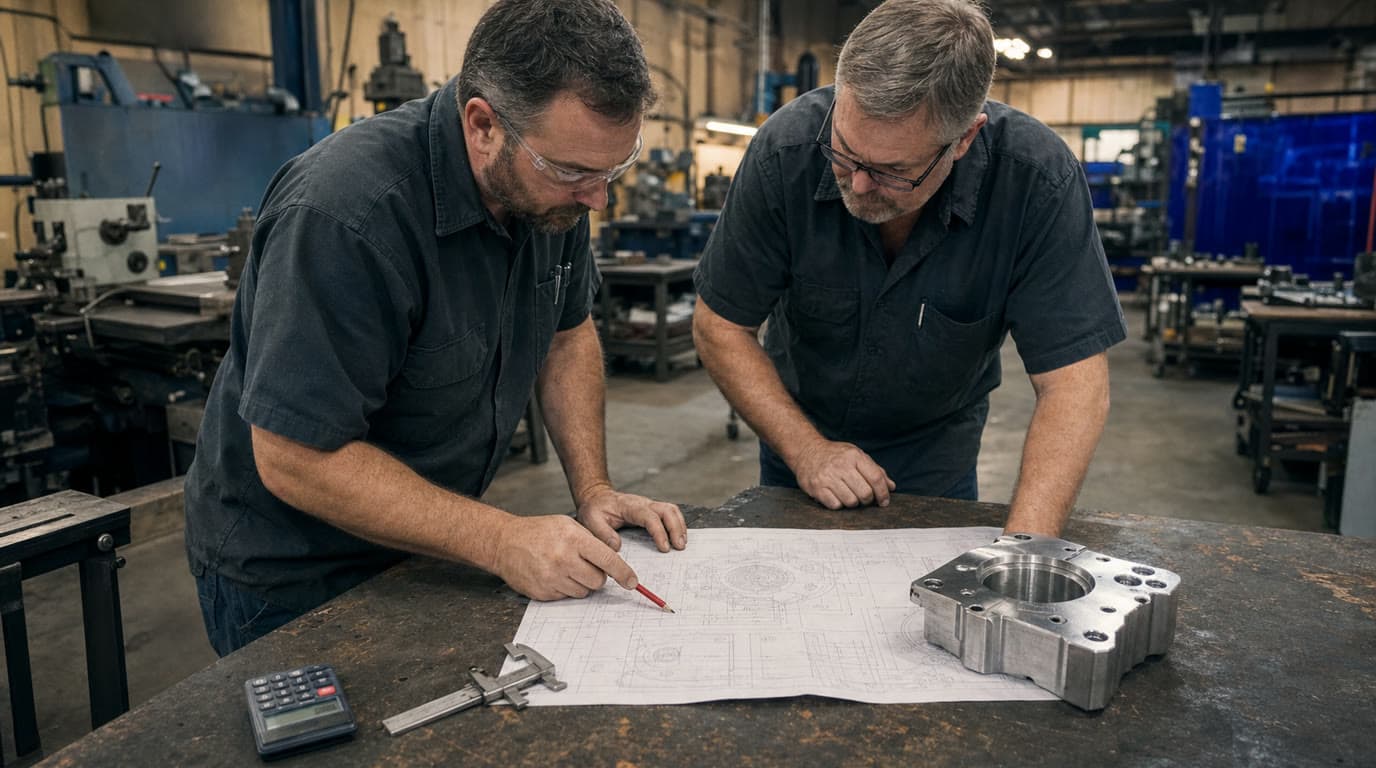
The five drafted quotes aren't sent automatically. Your estimator reviews them. Spot-checks the pricing, looks at the margin, decides if anything feels off. This takes a fraction of the time of building quotes from scratch -- maybe two or three minutes per quote instead of fifteen.
The two flagged items get real attention. Maybe one of them is a new material spec that requires a call to your supplier to confirm pricing. Maybe the other is a long-time customer asking for a price break on a big order, and you want your estimator deciding whether to offer it, not an algorithm.
That's human-in-the-loop as a workflow structure, not a slogan. The estimator's morning isn't spent reading inboxes and re-typing line items. It's spent on the two RFQs that actually needed her.
The estimator approves, adjusts where needed, and moves on.
Send and follow up
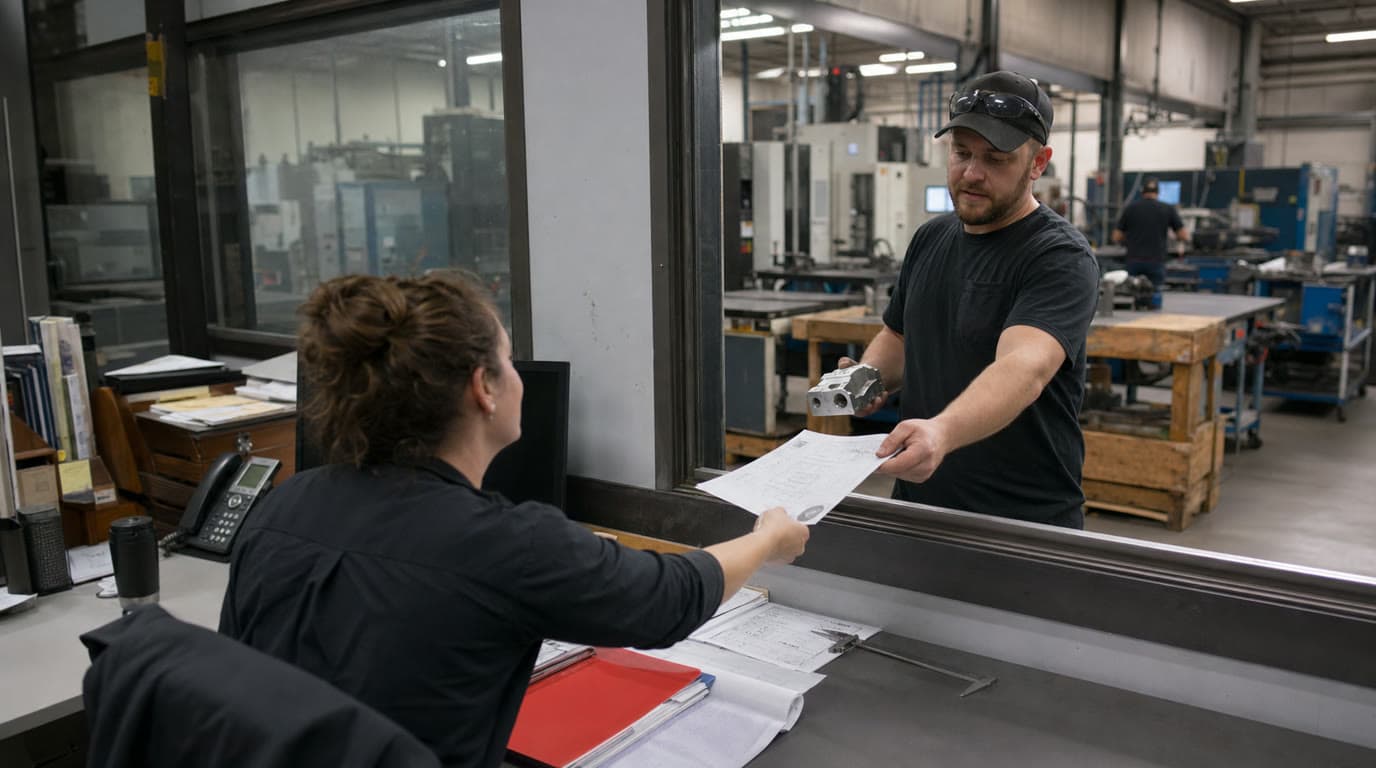
Once approved, the agent formats the quote, attaches any relevant documentation, and sends it. It also schedules a follow-up -- a reminder to your team if there's no response in three days, or an automated follow-up email at the interval you've configured.
The quote goes out faster than it would have in a manual workflow. The follow-up actually happens, instead of getting lost in the chaos of a busy week.
What your team still owns
The process above makes it sound like the agent is doing most of the work. On volume, it is. But the work your team does isn't less important -- it's more concentrated.
Relationship calls. When a customer's order pattern changes, or they seem to be pulling back on volume, your estimator notices that and picks up the phone. The agent can flag the pattern; it can't make the call.
Pricing exceptions. Every shop has customers where the relationship justifies pricing that the standard model wouldn't produce. That's a human decision. It involves trust, history, and strategic judgment about which accounts to protect.
Complex custom work. Highly custom one-off jobs, new process development, anything that requires engineering collaboration -- that stays fully in human hands.
Customer disputes. When something goes wrong on an order and a customer is unhappy, your team handles it. The agent can pull the order history and correspondence; it doesn't manage the relationship repair.
Where it falls apart
The extraction step works well on clean PDFs and standard file formats. Hand-drawn sketches scanned on a 2009 copier with coffee stains and ambiguous callouts? Still a problem. Getting better, but not solved. If your customers send a lot of hand-drawn specs, the agent's hit rate on those will be lower than on typed documents. Plan for that.
High-complexity custom jobs don't fit this workflow at all. If a job requires back-and-forth engineering dialogue, prototype iterations, or material development, that's a fundamentally different kind of work. The agent isn't the right tool for it and shouldn't pretend to be.
And relationship nuance remains firmly human territory. The agent knows what your data tells it. It doesn't know that a particular customer is about to be acquired, or that a key contact just left, or that your competitor has been circling a major account. When the specs are genuinely ambiguous and there's no safe assumption to make, a human needs to decide. The agent's job at that point is to surface the ambiguity cleanly, not resolve it.
What actually changes day to day
You don't end up with fewer people. You end up with people who spend less time on data entry and more time on customer relationships and complex bids.
Quotes that used to take three days get out in three hours. Follow-ups that used to fall through the cracks actually get sent. Your estimator stops being an inbox processor and starts being an estimator again.
It's not dramatic. It's operational. The back office just stops being the thing that holds everything else back.
If you're curious how this plays out for a shop like yours, we're happy to walk through it.