The day the spreadsheet broke.
One Monday morning. One stale VLOOKUP. Three weeks of clean-up. And the lesson nobody learns.
In this article
It was a Monday morning, 8:47 AM. Karen had been at the office for 47 minutes. The pricing spreadsheet that runs the company, the 47-tab Excel file with the macro she wrote herself in 2018, had a reference error on the freight surcharge tab.
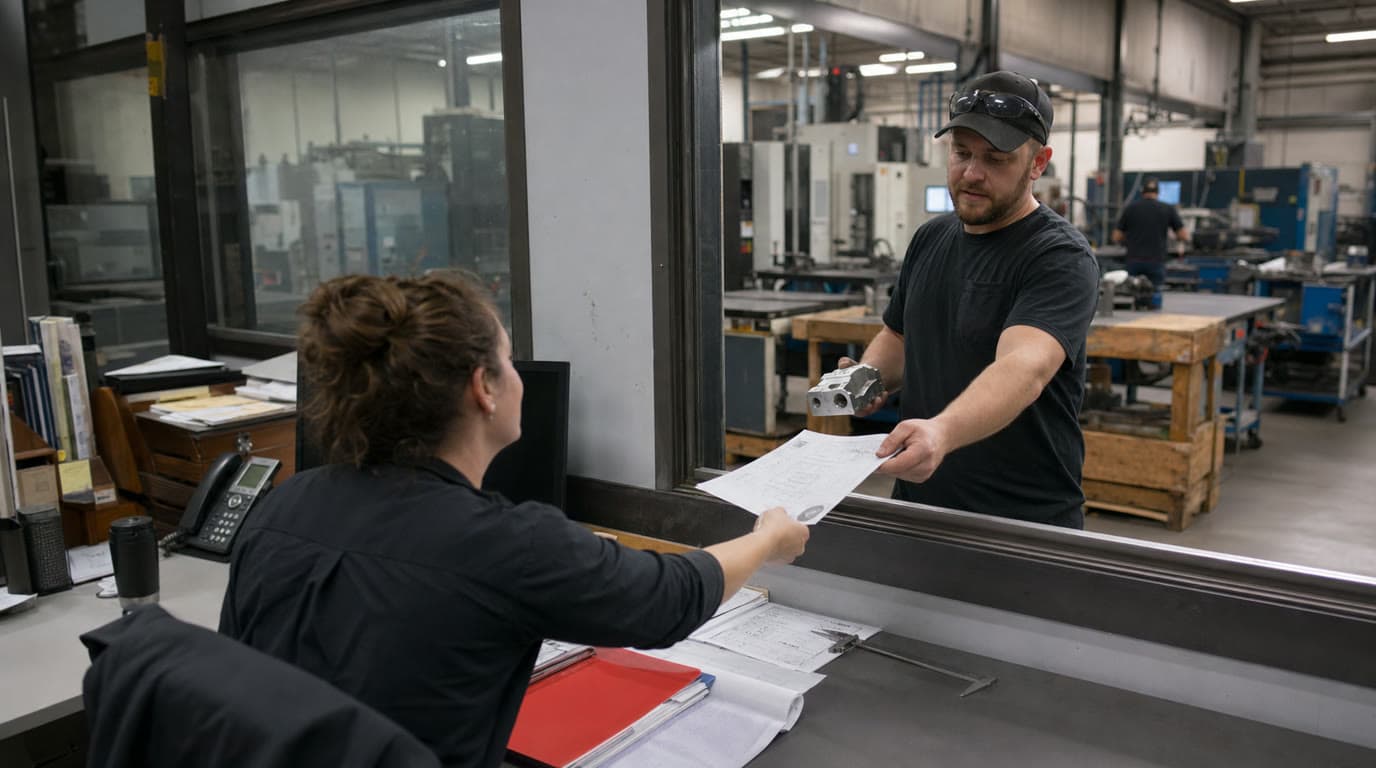
Karen runs operations at a 180-person powder coatings manufacturer in Georgia. She's been there 11 years. She built the spreadsheet. She's the only one who fully understands it.
The reference error was small. The summary tab was pulling from a freight table that had been updated the previous week, and one of the named ranges no longer pointed at the right column. Every quote generated from the spreadsheet that morning had freight under-quoted by 8 to 14%, depending on shipping zone.
By 9:30 AM, four quotes had gone out the door. By 10:15, two of them had been accepted by customers and were in the order pipeline.
Karen caught the error at 10:42 when a sales rep flagged that one of the freight numbers looked low for a long-haul shipment. By the time she traced it back to the named range, six quotes had been built on the broken sheet. The two accepted orders were already in production scheduling.
Here's what happened next.
The cascade
The accepted orders had to be honored at the quoted price. The company ate the freight underage. Combined hit, $3,400.
The other four quotes were chased down by sales. Three were retracted with apologies, requoted, and reissued. One of the four had already been forwarded to the customer's procurement team, who had attached it to their internal sourcing system. That one became a relationship management exercise. The customer had been told $11,400 freight. The corrected number was $13,200. They asked Karen's shop to honor the original quote. The shop did. Lost margin, $1,800.
But the real damage wasn't the $5,200 in direct cost. It was the cascade.
The QA process for the spreadsheet got pulled apart by Karen and a finance manager. They spent the rest of the day looking for other broken named ranges. They found two more. Different tabs, different formulas. Both had been broken for weeks. Six quotes built on those formulas had gone out in the previous month, and only four could be traced through to customer outcomes. The other two were sitting in inboxes somewhere.
Three weeks of clean-up followed. Sales reached out to every customer with an outstanding quote from the prior month and proactively confirmed pricing. Two customers came back saying their procurement teams had already moved forward based on the original quotes, and the company would need to honor those. Additional lost margin, $7,600.
Total cost of the spreadsheet breaking: roughly $14,000, plus three weeks of executive attention, plus the customer trust hit that doesn't show up on any P&L.
Why this was always going to happen
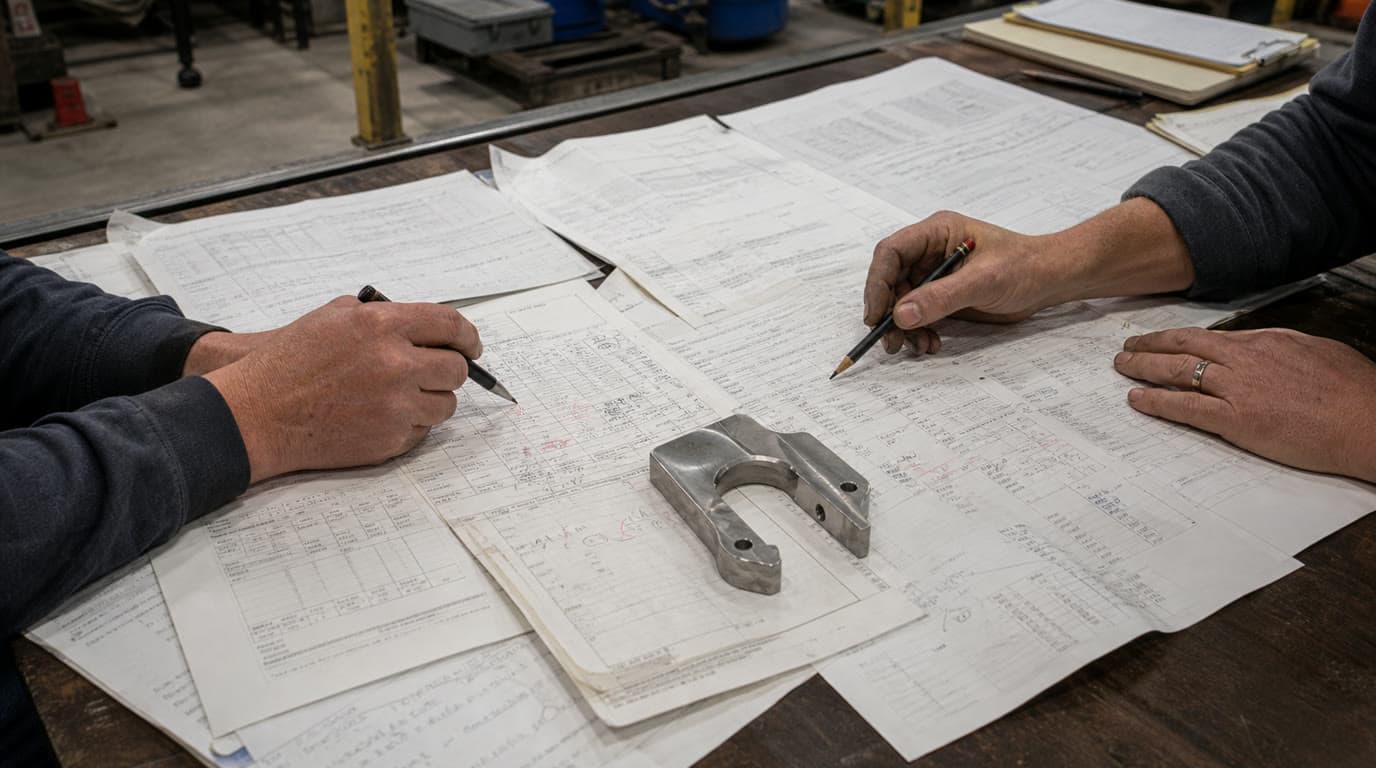
The spreadsheet didn't break because Karen made a mistake. The spreadsheet broke because it was a 47-tab Excel file with nested VLOOKUPs and a custom macro, maintained by one person, used by an entire sales organization, and audited by nobody.
Spreadsheet errors are common enough that researchers have measured them. A widely cited figure: roughly 90% of spreadsheets contain at least one formula error. Most errors are small. Some aren't. In 2012, JP Morgan lost approximately $6 billion on a derivatives position partially traceable to a copy-paste error in a risk model spreadsheet. The mechanism is never exotic. It's a formula referencing the wrong cell, applied at scale, invisible until it isn't.
For a manufacturer running quotes through a master Excel file, the failure modes are quieter but identical in shape. A misapplied discount. A surcharge that stopped calculating correctly when a zone table was updated but the formula wasn't. A margin threshold set to 18% in the cell the macro reads, but 20% in the cell the operator checks manually. None of these show up as errors. They show up as lost margin, confused customers, or jobs that didn't make money.
The key-person dependency is the part that should worry operators most. When a critical business process lives inside one person's head, expressed through a tool only they fully understand, the business has a single point of failure with no redundancy. Karen calls in sick on the wrong day, and quotes stop going out. Karen retires (she's 58 and starting to think about it), and the company spends a year reconstructing pricing logic she carried for eleven years.
Version control is its own problem. The file is saved manually with a date appended when somebody remembers. The actual version history is a folder of files named things like pricing-master-v7-FINAL-FINAL-updated-JAN-fixed.xlsx. Karen knows which one is current. Does the sales rep in the field know? Did someone quote a customer using last month's version after material costs went up? Often, yes.
What the spreadsheet is really evidence of
The temptation is to frame this as a software problem. Migrate off Excel and the problem goes away. That framing misses why the problem exists.
Karen's spreadsheet is not the disease. It's where the disease lives because there's nowhere else for it to go. Inside the file is a decade of pricing decisions, customer-specific rules, hard-won institutional knowledge, and business logic that has never been written down anywhere. The spreadsheet became the system of record by default, because no other system was willing or able to hold this information.
The ERP wasn't built to hold it. ERPs are built for transaction processing, not for capturing the reasoning behind business decisions. There's no field in SAP for "we always give this customer a freight break because of the 2019 contract renegotiation." That knowledge either lives in a person's head, or it lives in a spreadsheet.
When it lives in a spreadsheet, at least you can see it. That's actually the argument for Karen's file. It made the knowledge tangible. The risk is that tangible and accessible are not the same thing.
What replacing it actually requires
A lot of companies try to solve this by buying software. New quoting tool, new ERP module, new CPQ system. Some of those projects go fine. A lot of them stall at the same point. When it's time to migrate the pricing logic, nobody can fully articulate what the pricing logic is.
Replacing Karen's spreadsheet isn't a software project. It's a knowledge capture project that happens to involve software. Before you can systematize the pricing logic, you have to surface it. Sit with Karen, map every rule, every exception, every calculation, every customer-specific carve-out. That work takes longer than anyone budgets. It's also the part that makes the new system actually work.
The companies that do this well don't just migrate data. They treat Karen's expertise as the asset it is. They bring her into the design process. They let her validate the logic before anyone turns off the old file. They give the knowledge she's been carrying somewhere real to live, in a system that doesn't depend on her being there to function.
That's the honest version of this problem. The spreadsheet isn't the enemy. It's evidence of a gap. Close the gap, and the spreadsheet becomes unnecessary. Leave the gap open, and you'll build a new spreadsheet within six months of rolling out the new system.
Karen is thinking about retirement. The spreadsheet broke for the first time last Monday. The clock has already started.